

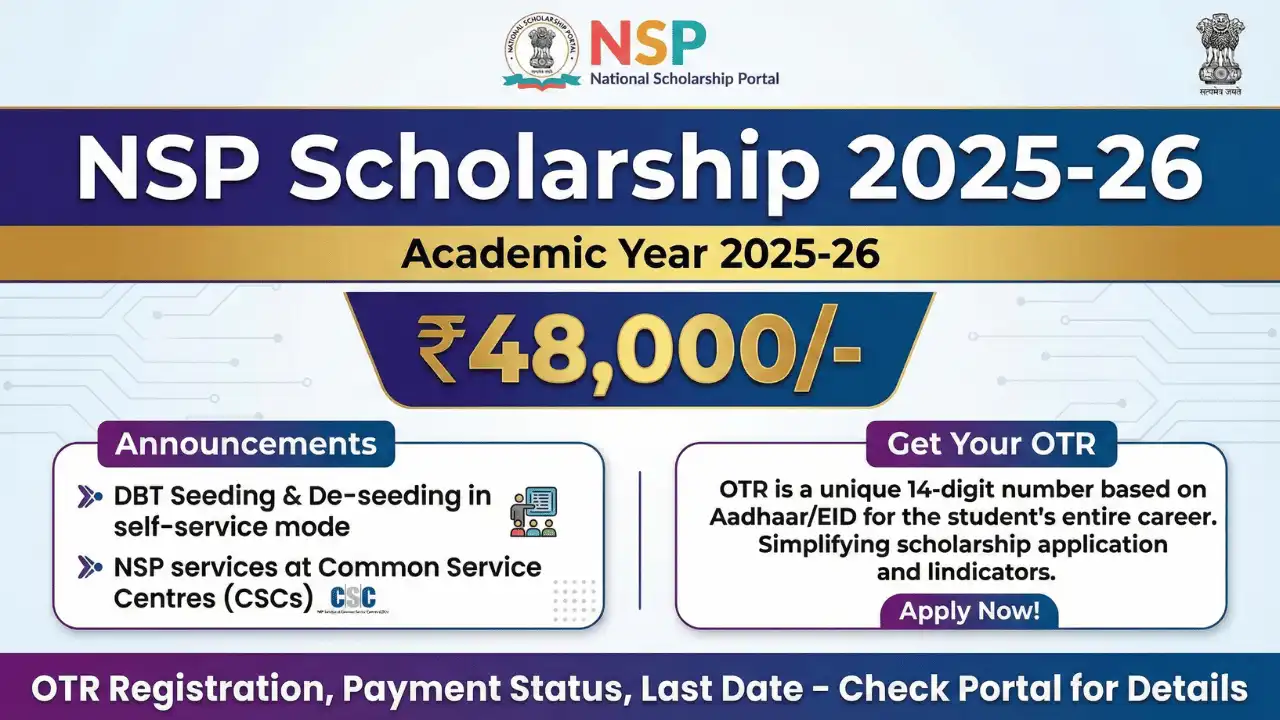
The NSP Scholarship 2025-26 has started gaining attention among students across India, especially those who depend on financial support to continue their education. With the new academic year approaching, many students are turning to the National Scholarship Portal to apply for central and state government schemes in one place. The portal has introduced several updates this year, making the application process smoother and more transparent for everyone.
What’s New for Students in NSP Scholarship 2025-26
This year, the government has added a few improvements that aim to reduce errors and speed up the overall process. The most important update is the One Time Registration (OTR) system. Students can now register once and use the same ID in future years. Faster digital verification, better payment tracking and the option to correct minor mistakes before final approval are also part of the upgrade. These changes help students avoid delays and ensure that scholarships reach them on time.

NSP Scholarship 2025 Apply Online, Check Status, Eligibility, Renewal @ Scholarships.gov.in
Eligibility Criteria for NSP Scholarship 2025-26
The eligibility rules depend on the scholarship scheme, but a few common requirements apply to most applicants. The student must be enrolled in a recognized school, college or university. A valid Aadhaar-linked bank account is necessary, and family income must fall within the required limit. Academic performance also plays an important role, as most schemes expect students to maintain the minimum marks set by the authorities. Reserved category students need to provide valid caste certificates. To avoid confusion, the portal offers an eligibility checker to help students choose the right scheme.
Documents Needed for the Application Process
Before applying for the NSP Scholarship 2025-26, students should keep a few documents ready. These include Aadhaar card, bank passbook, income certificate, domicile certificate and the previous year’s mark sheet. A bonafide certificate or admission proof is often required. Applicants must upload clear and valid documents because unclear images or mismatched details can lead to rejection.
How to Apply Online for NSP Scholarship 2025-26
The application process is simple, but students should fill the form carefully. First, visit the official National Scholarship Portal and complete the OTR registration. After logging in with the OTR ID, choose the scheme for the NSP Scholarship 2025-26 and enter personal, academic and bank details. Upload the required documents and submit the form. Students should take a screenshot or printout of the confirmation page for future use. Applying early helps avoid last minute issues and technical errors.
Tracking Application and Payment Status
Once the form is submitted, students can check their progress through the status option on the portal. The stages include submitted, verified by institute, under process, approved and payment sent. Scholarship payments are released through PFMS, and students can check the credit status using their application ID or Aadhaar number. If any error appears, contacting the institute’s nodal officer is the best way to resolve it.

Why Applying Correctly Matters
Even small mistakes like incorrect bank details or expired certificates can delay or cancel scholarship payments. Students should double check all information and keep their Aadhaar-linked bank account active. Regularly checking the portal for updates and following up with the institute can make the approval process much smoother.
As more students depend on the NSP Scholarship 2025-26, applying early and staying alert to updates can make a real difference in ensuring timely financial support.